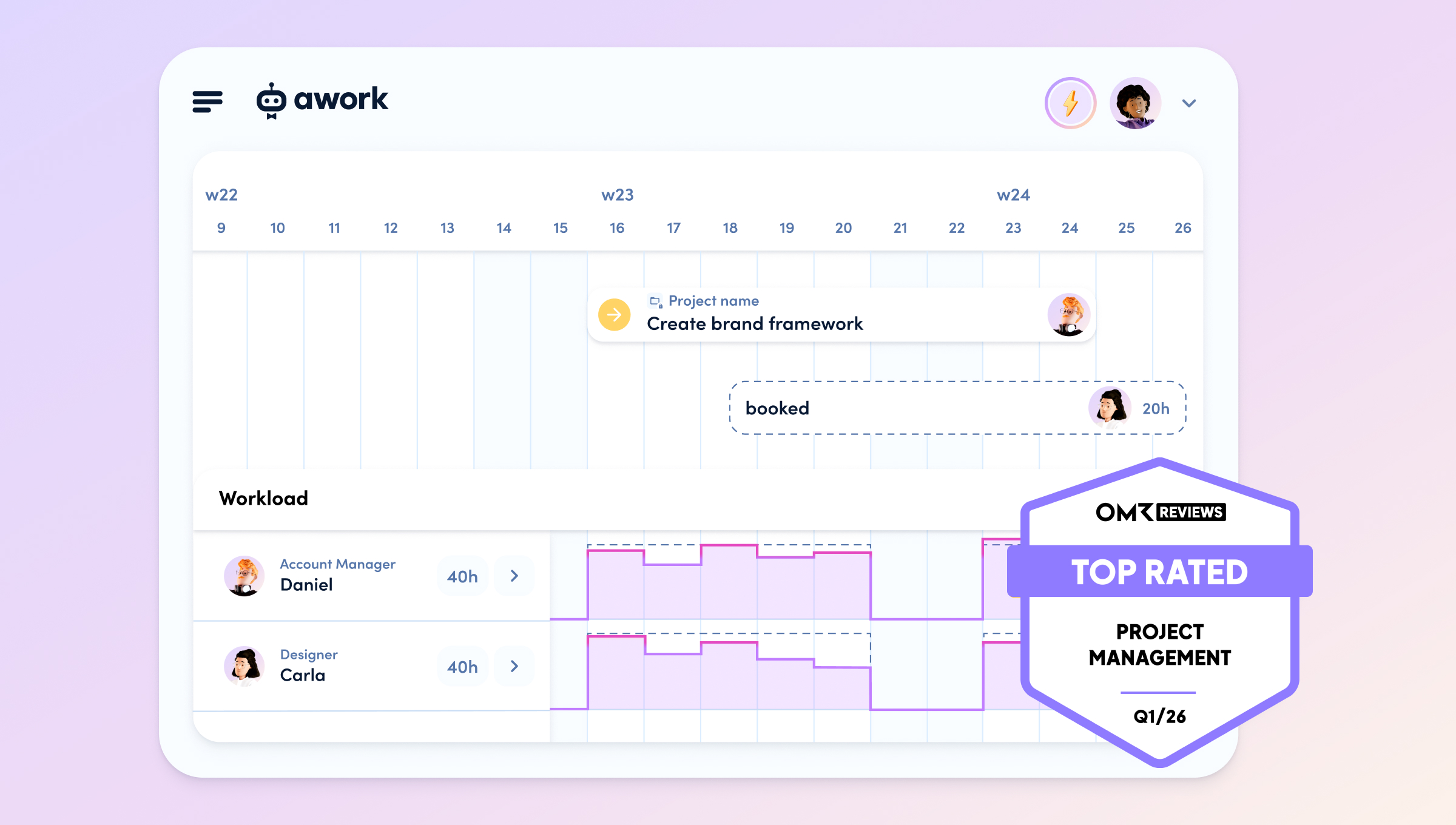
Whether it's a pitch phase or a high-intensity project marathon, in many agencies, the question "Who actually has time?" is often only asked when things are already at breaking point. Capacity planning is the process you use to prevent exactly that. Instead of distributing tasks on demand, you balance the actual requirements of your projects with the real working time of your team. The goal: to meet deadlines without team members burning out or twiddling their thumbs. It is the key to turning chaotic "we’ll manage somehow" into reliable "planned and delivered".
Definition: What is capacity planning?
At its core, capacity planning is the mathematical answer to the question: Can we take on this project and deliver it by the deadline? In doing so, you compare the supply (the available working time of your employees, skills, freelancers) with the demand (the estimated hourly effort of your projects).
Unlike in industrial manufacturing, where machine runtimes are precisely measurable, capacity planning in creative and knowledge work is more complex. People are not machines: creativity cannot be summoned at the push of a button, and illnesses or spontaneous client calls throw plans into disarray. Good planning therefore always takes buffers and realistic "net working times" into account instead of pure contractual hours.
Goals: Why agencies need planning
Those who fly blind usually risk two things in agencies: dissatisfied clients due to missed deadlines or dissatisfied employees due to permanent overload. Strategic capacity planning pursues specific goals:
- Avoiding bottlenecks: You can see weeks in advance if a team (e.g. Design) is overbooked and can book freelancers in good time.
- Increasing profitability: Idle time costs money. Good planning ensures that billable hours are used optimally.
- Team happiness: Nothing kills motivation faster than constant overtime. Planning protects your team from burnout.
- Transparency for clients: You can immediately say when asked: "We can start from week 14," instead of making vague promises.
The 3 levels of capacity planning
Not every plan looks equally far into the future. For agencies, these three time horizons are crucial:
- Strategic planning (Long-term): Here you look 6 to 12 months ahead. Does our team size match the revenue targets? Do we need to hire for new skills (e.g. AI artists) or is a client budget growing so much that we need to form a new squad?
- Tactical planning (Medium-term): Looking at the next month or quarter. Are all upcoming projects feasible with the available heads? Here you balance holiday times with project phases and decide on the use of external support.
- Operational planning (Short-term): Day-to-day business, often as weekly planning or a sprint. Who is working on what this week? Here, tasks are specifically assigned in the resource calendar and you react to short-term changes (illness, winning a pitch).
Methods: Excel vs. Software
Many teams start with simple resource planning in spreadsheets. This works – until the third project runs in parallel and two people submit holiday requests at the same time. Here are the common approaches:
- Static planning (Manual): You calculate capacities based on average values in Excel. The disadvantage: changes (illness, project shifts) must be updated manually. The error rate is high, and the up-to-dateness is usually low.
- Dynamic & simulative planning (Software-supported): Here, agencies use tools like awork. The advantage: the planning is linked to the project business. If someone falls ill, you immediately see the impact on the project timing. You can play through scenarios ("What happens if we bring Project B forward?") and base decisions on real-time data.
The most important difference: good workload tools automatically subtract meetings and calendar entries from availability. After all, someone sitting in calls all day cannot perform 8 hours of design work.
[.b-related-article]The best capacity planning tools[.b-related-article]
Better Planning In 4 Steps
How do you actually start? Here is a proven process for your operations management:
- Determine gross capacity: Take the contractual weekly hours of all team members.
- Calculate net capacity: Subtract holidays, public holidays, regular meetings (dailies, jour fixes), and a buffer for admin/internal tasks. Rule of thumb: plan with only approx. 75–80% of contractual time for pure project work.
- Estimate project demand: Break projects down into work packages and estimate the effort in hours. It's better to be conservative than too optimistic.
- Matching & monitoring: Distribute the tasks among the available heads. Check weekly: are we on plan? Do we need to redistribute?
FAQ
What is the difference between resource planning and capacity planning?
The terms are often used synonymously. Strictly speaking, capacity planning looks at the big picture (supply of working time vs. demand), while resource planning (resource allocation) refers to the concrete assignment of specific people to specific tasks over time.
How do I deal with unplanned tasks (ad-hoc)?
Build in buffers from the outset. If your team is 100% scheduled, every small special request will cause the plan to collapse. A workload of 80% is considered ideal for remaining flexible for day-to-day business.
Is software worth it for small teams?
Yes, often even more so than for large ones. In small teams (5–20 people), the absence of a single person has a much stronger percentage impact. A tool helps to see these risks immediately before deadlines are missed.
[.no-toc]Conclusion[.no-toc]
Capacity planning is not a bureaucratic evil for agencies, but insurance for punctual projects and healthy teams. Those who plan realistically (net time instead of gross wishful thinking) and use dynamic tools create space for creativity instead of chaos. Start treating your time as valuably as your budget – because at the end of the day, that time is exactly what you are selling to your clients.
[.b-button-primary]Discover awork capacity planning[.b-button-primary]